Categories
testing category

How to Get Sheet Music from a YouTube Video

How to Turn a YouTube Video into Sheet Music

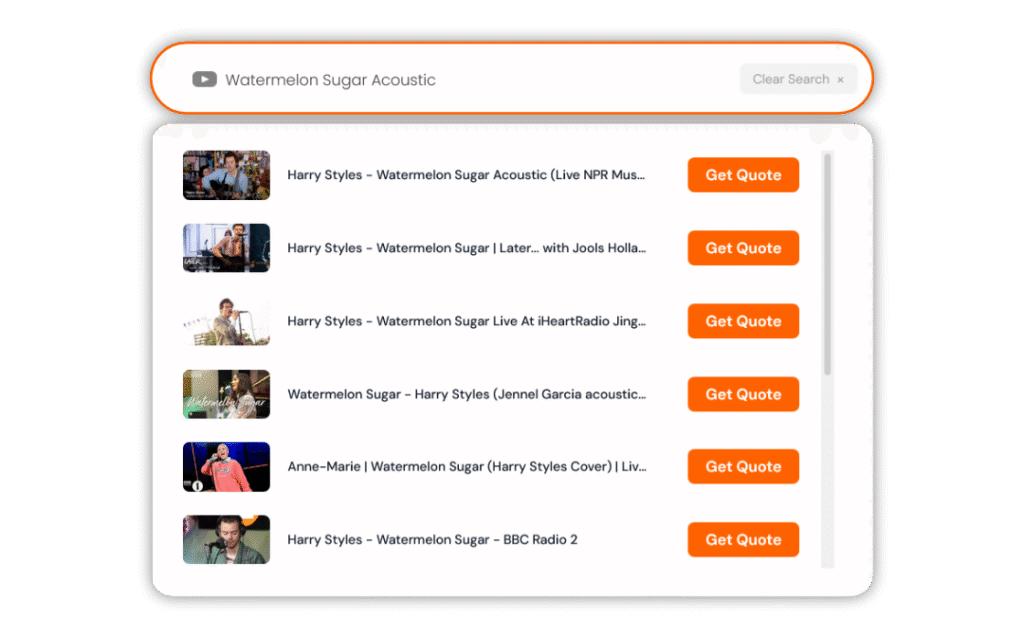
YouTube is one of the most common sources for custom transcription requests—and it’s fully compatible with our Instant Quote tool.


Step 1: Copy the YouTube Link

On Mobile

  1. Open the video in the YouTube app.
  2. Tap Share.
  3. Tap Copy link.

On Desktop

  1. Open the video in your browser.
  2. Copy the URL from the address bar
    — or click Share → Copy under the video.

Step 2: Paste the Link into the Instant Quote Tool

  1. 1 – Go to the Tunescribers homepage.
  2. 2 – Paste the YouTube link into the Instant Quote box.
  3. 3 – Select:
    • • Instrumentation
    • • Notation preference (e.g. tablature, lyrics, chords)
    • • Key
    • • Difficulty level
    • • Score and/or parts
    • • Any additional formats (Sibelius, MuseScore, Dorico, MIDI, etc.)

You’ll receive an instant price based on your exact requirements.


Step 3: Receive Your Custom Sheet Music

After checkout, our professional musicians will transcribe and engrave your sheet music.

Delivery is available in as little as 2 days with rush service.

You’ll receive:

  • • Clear, performance-ready notation
  • • Editable digital formats if requested
  • • Revisions if anything needs adjusting

FAQ

Can you transcribe instrumental-only/live versions/acoustic covers?
Yes! We transcribe whatever song you need.

Can you transcribe piano tutorials or synthesia videos?
Yes—we transcribe by ear from the audio.


Paste your link into the Instant Quote tool and get started.


Not on This Platform?

If your song isn’t on this platform, we also support:

See our full guide:
How to Turn Any Online Song into Sheet Music

Categories
testing category

How to Get Sheet Music from a Spotify Song

How to Turn a Spotify Song into Sheet Music

If you’ve found a song on Spotify and want professional sheet music for it, you can generate an instant quote in seconds—no downloading required.

Here’s how.


Step 1: Copy the Spotify Song Link

On Mobile

  1. Open the song in the Spotify app.
  2. Tap the three dots (⋯) next to the track title.
  3. Tap Share.
  4. Tap Copy link.

The link is now copied to your clipboard.

On Desktop

  1. Open the track in Spotify (web player or desktop app).
  2. Click the three dots next to the track name.
  3. Click Share → Copy Song Link.

Step 2: Paste the Link into the Instant Quote Tool

  1. 1 – Go to the Tunescribers homepage.
  2. 2 – Paste the Spotify link into the Instant Quote box.
  3. 3 – Select:
    • • Instrumentation
    • • Notation preference (e.g. tablature, lyrics, chords)
    • • Key
    • • Difficulty level
    • • Score and/or parts
    • • Any additional formats (Sibelius, MuseScore, Dorico, MIDI, etc.)

You’ll receive an instant price based on your exact requirements.


Step 3: Receive Your Custom Sheet Music

After checkout, our professional musicians will transcribe and engrave your sheet music.

Delivery is available in as little as 2 days with rush service.

You’ll receive:

  • • Clear, performance-ready notation
  • • Editable digital formats if requested
  • • Revisions if anything needs adjusting

FAQ

Do I need Spotify Premium?
No—we just need the public song link.

Can you transcribe any Spotify song?
Yes, provided the audio is clearly available.


Not on This Platform?

If your song isn’t on this platform, we also support:

See our full guide:
How to Turn Any Online Song into Sheet Music

Categories
testing category

How to Get Sheet Music from a SoundCloud Song

How to Turn a SoundCloud Song into Sheet Music

Whether it’s an original demo, remix, or independent release, you can turn any SoundCloud track into professionally engraved sheet music.


Step 1: Copy the SoundCloud Link

On Mobile

  1. Open the track in the SoundCloud app.
  2. Tap Share.
  3. Tap Copy link.

On Desktop

  1. Open the track in your browser.
  2. Copy the URL directly from the address bar
    — or click Share → Copy link.

Step 2: Paste the Link into the Instant Quote Tool

  1. 1 – Go to the Tunescribers homepage.
  2. 2 – Paste the SoundCloud link into the Instant Quote box.
  3. 3 – Select:
    • • Instrumentation
    • • Notation preference (e.g. tablature, lyrics, chords)
    • • Key
    • • Difficulty level
    • • Score and/or parts
    • • Any additional formats (Sibelius, MuseScore, Dorico, MIDI, etc.)

You’ll receive an instant price based on your exact requirements.


Step 3: Receive Your Custom Sheet Music

After checkout, our professional musicians will transcribe and engrave your sheet music.

Delivery is available in as little as 2 days with rush service.

You’ll receive:

  • • Clear, performance-ready notation
  • • Editable digital formats if requested
  • • Revisions if anything needs adjusting

Ideal for:

  • • Independent artists
  • • Unreleased demos
  • • Remixes
  • • Original compositions

Not on This Platform?

If your song isn’t on this platform, we also support:

See our full guide:
How to Turn Any Online Song into Sheet Music

Categories
testing category

How to Convert an MP3 File into Sheet Music

How to Convert an MP3 File into Professional Sheet Music

If you already have your song saved as an MP3 file, you can upload it directly to our Instant Quote tool—no link sharing required.

This is ideal for:

  • • Original compositions
  • • Studio demos
  • • Rehearsal recordings
  • • Private files

Step 1: Go to the Homepage

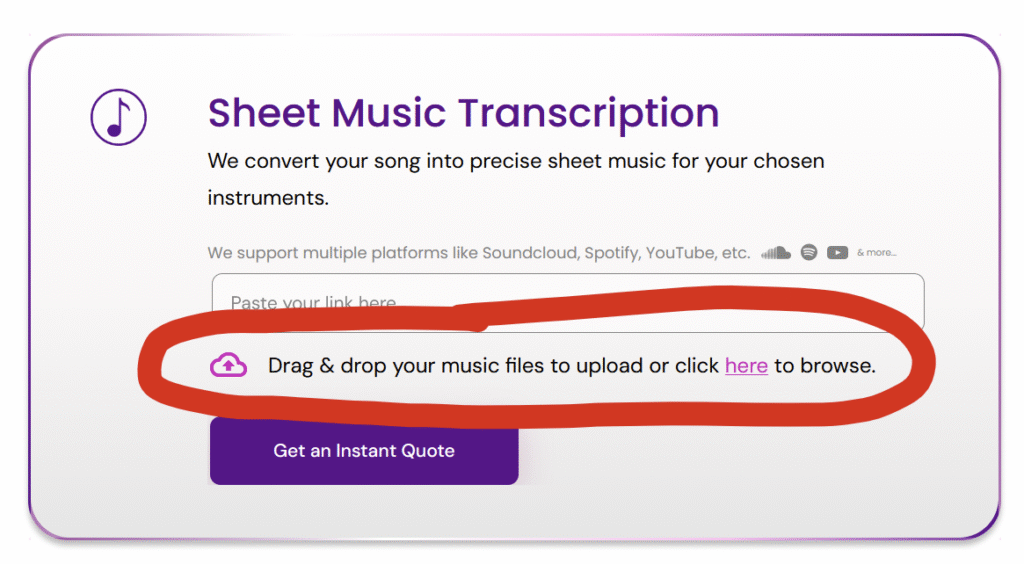
Open the Tunescribers homepage and locate the Instant Quote tool.


Step 2: Upload Your MP3 File

  1. 1 – Select the upload option.
  2. 2 – Choose your MP3 file from your device.
  3. 3 – Wait for it to upload and process.

On Mobile

Tap the upload area and choose your file from:

  • • Files app
  • • Cloud storage
  • • Device storage

Step 3: Select Your Requirements

Choose your:

  • • Instrumentation
  • • Notation preference (e.g. tablature, lyrics, chords)
  • • Key
  • • Difficulty level
  • • Score and/or parts
  • • Any additional formats (Sibelius, MuseScore, Dorico, MIDI, etc.)

You’ll receive an instant price based on your exact requirements.


Step 4: Receive Your Sheet Music

Our professional musicians will transcribe your MP3 and deliver clean, publication-quality notation.

Rush delivery available in as little as 2 days.


FAQ

Do you use automatic software?
No—all transcriptions are completed by professional musicians.

Is WAV supported?
Yes—WAV files can also be uploaded directly.


Upload your MP3 to the Instant Quote tool and get started today.


Don’t have an MP3, but have a link to the song online?

If you don’t have an audio file of the song, we also support:

See our full guide:
How to Turn Any Online Song into Sheet Music

Categories
testing category

How to Get Sheet Music from a Dropbox Audio File

How to Turn a Dropbox Audio File into Sheet Music

If your music is stored in Dropbox, you can use the share link to generate an instant quote in seconds.


Step 1: Ensure It’s an Audio File

Supported formats include:

  • • MP3
  • • WAV

Step 2: Copy a Public Share Link

  1. 1 – Open the file in Dropbox.
  2. 2 – Click the Copy link icon.
  3. 3 – Ensure the link is accessible without login.

Step 3: Paste into the Instant Quote Tool

Head to the Tunescribers homepage and paste the link into the quote box.

Choose your:

  • • Instrumentation
  • • Notation preference (e.g. tablature, lyrics, chords)
  • • Key
  • • Difficulty level
  • • Score and/or parts
  • • Any additional formats (Sibelius, MuseScore, Dorico, MIDI, etc.)

You’ll receive an instant price based on your exact requirements.


Step 4: Receive Your Sheet Music

After checkout, our professional musicians will transcribe and engrave your sheet music.

Delivery is available in as little as 2 days with rush service.

You’ll receive:

• Revisions if anything needs adjusting

• Clear, performance-ready notation

• Editable digital formats if requested


When Is Dropbox Useful?

  • • Large rehearsal recordings
  • • Original compositions
  • • Studio demos
  • • Files too large to email

Turn your Dropbox audio into professional sheet music today.


Not on This Platform?

If your song isn’t on this platform, we also support:

See our full guide:
How to Turn Any Online Song into Sheet Music

Categories
testing category

How to Get Sheet Music from a Google Drive Audio File

How to Turn a Google Drive Audio File into Sheet Music

If your song is stored in Google Drive — whether it’s a demo, rehearsal recording, or original composition — you can use the share link to generate an instant quote.


Step 1: Check the File Type

The file must be:

  • • MP3, WAV, or another audio format
    (Not Google Docs or video files.)

Step 2: Set Sharing Permissions (Mobile or Desktop)

  1. 1 – Open Google Drive.
  2. 2 – Tap or right-click the file.
  3. 3 – Select Get link.
  4. 4 – Change access to:
    “Anyone with the link can view.”
  5. 5 – Copy the link.

Without public access enabled, the quote tool cannot analyse the file.


Step 3: Paste into the Instant Quote Tool

Head to the Tunescribers homepage and paste the link into the quote box.

Choose your:

  • • Instrumentation
  • • Notation preference (e.g. tablature, lyrics, chords)
  • • Key
  • • Difficulty level
  • • Score and/or parts
  • • Any additional formats (Sibelius, MuseScore, Dorico, MIDI, etc.)

You’ll receive an instant price based on your exact requirements.


Step 4: Receive Your Sheet Music

After checkout, our professional musicians will transcribe and engrave your sheet music.

Delivery is available in as little as 2 days with rush service.

You’ll receive:

• Revisions if anything needs adjusting

• Clear, performance-ready notation

• Editable digital formats if requested


Why Use Google Drive?

  • • No need to download and re-upload
  • • Ideal for original compositions
  • • Perfect for private rehearsal recordings

Paste your Google Drive link into the Instant Quote tool to get started.


Not on This Platform?

If your song isn’t on this platform, we also support:

See our full guide:
How to Turn Any Online Song into Sheet Music

Categories
testing category

How to Get Sheet Music from a TikTok Video

How to Turn a TikTok Song into Sheet Music

Found a performance or original song on TikTok that you’d love to play? You can turn it into professional sheet music in just a few steps.


Step 1: Copy the TikTok Link (Mobile)

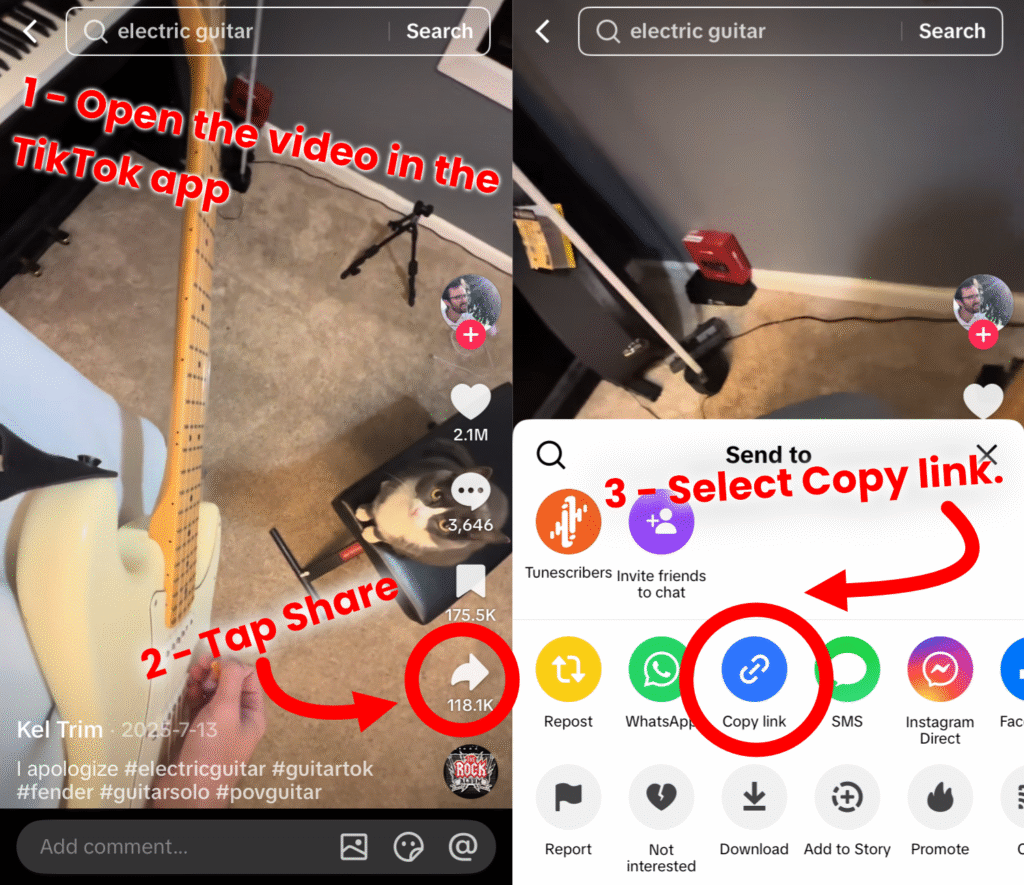
  1. 1 – Open the TikTok video.
  2. 2 – Tap Share.
  3. 3 – Tap Copy link.
Two screenshots from the TikTok app showing the the steps and buttons required to copy the link to the TikTok video.

On Desktop

  1. 1 – Open the TikTok video in your browser.
  2. 2 – Copy the URL from the address bar.

Step 2: Paste into the Instant Quote Tool

Head to the Tunescribers homepage and paste the link into the quote box.

Choose your:

  • • Instrumentation
  • • Notation preference (e.g. tablature, lyrics, chords)
  • • Key
  • • Difficulty level
  • • Score and/or parts
  • • Any additional formats (Sibelius, MuseScore, Dorico, MIDI, etc.)

You’ll receive an instant price based on your exact requirements.


Step 3: Receive Your Sheet Music

After checkout, our professional musicians will transcribe and engrave your sheet music.

Delivery is available in as little as 2 days with rush service.

You’ll receive:

• Revisions if anything needs adjusting

• Clear, performance-ready notation

• Editable digital formats if requested


Can You Transcribe Original TikTok Songs?

Yes.
Original compositions, covers, live recordings, and short clips can all be transcribed—provided the audio is clear enough.


Turn your TikTok song into sheet music today with an instant quote.


Not on This Platform?

If your song isn’t on this platform, we also support:

See our full guide:
How to Turn Any Online Song into Sheet Music

Categories
testing category

How to Get Sheet Music for a Song on Facebook (Video or Reel)

How to Get Sheet Music from a Facebook Video or Reel

If you’ve found a song in a Facebook video or Reel and want professional sheet music for it, you can generate an instant quote in seconds.

Here’s how.


Step 1: Copy the Facebook Video Link (Mobile)

  1. 1 – Open the video or Reel in the Facebook app.
  2. 2 – Tap the three dots (⋯).
  3. 3 – Select Copy link.

That’s it — the URL is now on your clipboard.

Two screenshots of the Facebook mobile app showing the steps to copy the link for a video/reel

On Desktop

  1. 1 – Open the video in your browser.
  2. 2 – Click the three dots near the post.
  3. 3 – Click Copy link
    — or simply copy the URL from the address bar.

Step 2: Paste the Link into the Instant Quote Tool

  1. 1 – Go to the Tunescribers homepage.
  2. 2 – Paste the Facebook link into the Instant Quote box.
  3. 3 – Select:
    • • Instrumentation
    • • Notation preference (e.g. tablature, lyrics, chords)
    • • Key
    • • Difficulty level
    • • Score and/or parts
    • • Any additional formats (Sibelius, MuseScore, Dorico, MIDI, etc.)

You’ll receive an instant price based on your exact requirements.


Step 3: Receive Your Custom Sheet Music

After checkout, our professional musicians will transcribe and engrave your sheet music.

Delivery is available in as little as 2 days with rush service.

You’ll receive:

  • • Clear, performance-ready notation
  • • Editable digital formats if requested
  • • Revisions if anything needs adjusting

FAQs

Can you transcribe any Facebook video?
As long as the audio is clearly audible, yes.

Do I need to download the video first?
No—just paste the link directly.


Ready to turn your Facebook video into sheet music?
Paste your link into the Instant Quote tool and get started.


Not on This Platform?

If your song isn’t on this platform, we also support:

See our full guide:
How to Turn Any Online Song into Sheet Music

Categories
testing category

Tunescribers Arranging Competition 2026

📢 Competition Update: The Tunescribers Arranging Competition 2026 has been rescheduled to allow for a wider pool of entrants and a stronger competition overall.

New Dates: Prompts will now be released on 1 May 2026, with submissions due by 14 May 2026.

All existing entries remain valid. Thank you for your support!

Tunescribers Arranging Competition 2026 Is Here!

The Tunescribers Arranging Competition returns for 2026 — and this year, it’s bigger.

For the first time, we’re introducing three categories:

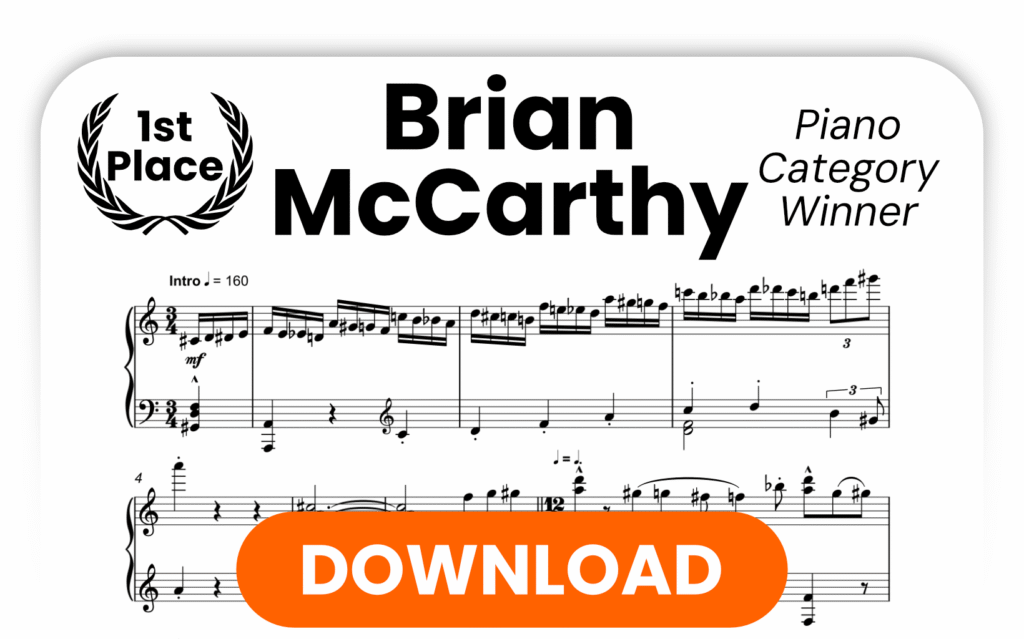
🎹 Piano (Solo)
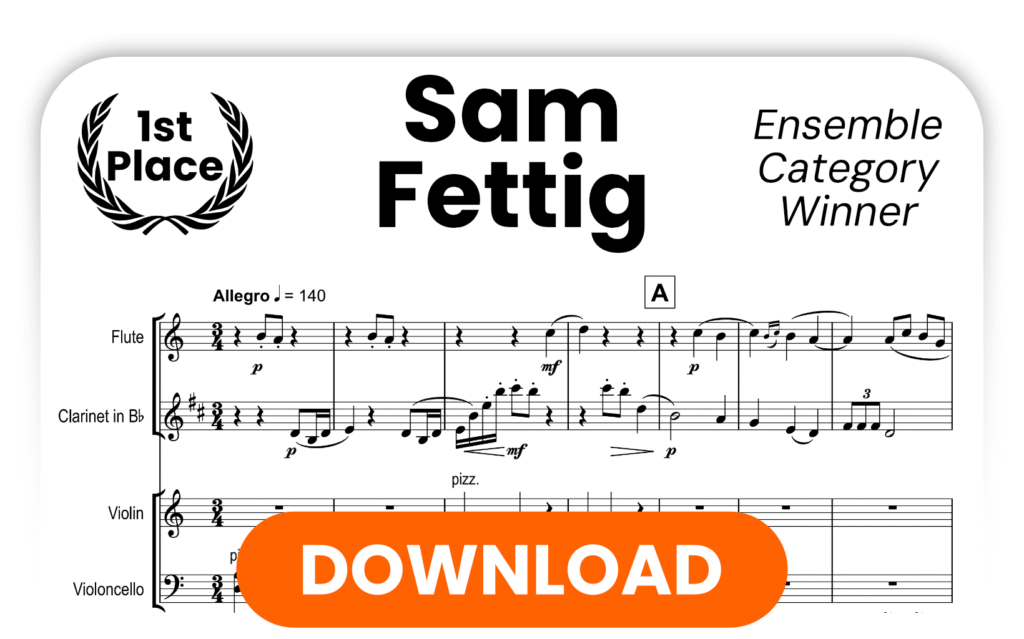
🎻 Ensemble (3–6 performers)
🎼 Choral (SATB)

Create an original 2-minute arrangement based on our public domain melody, compete for cash and software prizes, and have your work recognised by a global community of musicians.


How It Works

🔹 Receive the Prompt – 1 May 2026
You’ll receive a public domain melody and creative brief to guide your arrangement.

🔹 Create Your Arrangement – 1–14 May 2026
You’ll have two weeks to craft a 2-minute arrangement in your chosen category. Any style. Any genre. Transform the melody as creatively as you like — just make sure it’s performable by real musicians.

🔹 Submit Your Work – Deadline: 14 May 2026 (12:00 midday UK Time)
Submit your notation file, PDF score (plus parts if required), and audio mockup via our online form.

🔹 Judging & Audience Prize
Our professional judging panel will evaluate entries in each category. Selected entries may be featured for a public vote to determine the Audience Prize winner.

🔹 Winners Announced – Summer 2026


Prizes (Per Category)

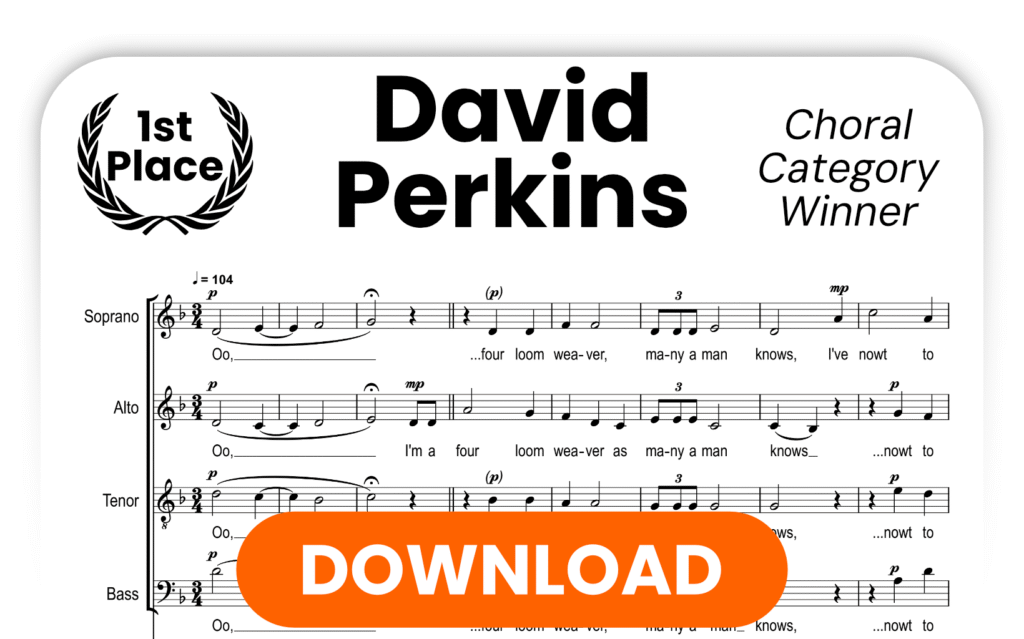
🥇 1st Place (Piano, Ensemble & Choral)
$250 cash
Publication on Tunescribers
Category-specific software prize:

Piano → Graphical MIDI Tools Gold Pass
Ensemble → NotePerformer license
Choral → Cantai lifetime license

🥈 2nd Place (Per Category)
Transcribe! license + $100 Tunescribers credit

🥉 3rd Place (Per Category)
$50 Tunescribers credit

🌟 Audience Prize
$50 Tunescribers credit


Entry Fees

Early Bird Standard Early Bird Entry + Critique Standard Entry + Critique
Standard (per category) $15 $18 $50 $55
Concessionary (per category) $10 $12 $25 $30
Bundle Entry (all categories) $30 $36 $100 $110

All prices shown in USD

Early Bird pricing runs from 1 March – 14 March 2026.


Choose Your Ticket


Critique Tier: Personalised Feedback

If you choose a Critique ticket, you’ll receive detailed written feedback from our judging panel, including:

• Harmonic, rhythmic, and structural observations
• Development of the provided melody
• Playability and performer-focused suggestions
• Notational clarity and presentation advice

This is ideal if you’re looking to develop your arranging skills alongside competing.


Key Rules

• Your arrangement must be based on the provided melody
• Maximum length: 2 minutes
• Must be performable by real musicians
• Submission requires PDF score, notation file, and audio mockup
• AI-generated or AI-assisted entries are not permitted

Full Terms & Conditions available here.


Join the Community

Follow us for updates, judge announcements, and featured entries:

📷 Instagram: @tunescribers
▶ YouTube: @tunescribers
🎵 TikTok: @tunescribers
📘 Facebook: Tunescribers

Share your journey using #Tunescribers


Ready to take part?

Enter the 2026 Competition

We can’t wait to hear what you create.

Categories
testing category

More Ways to Turn Your Favourite Music Into Sheet Music

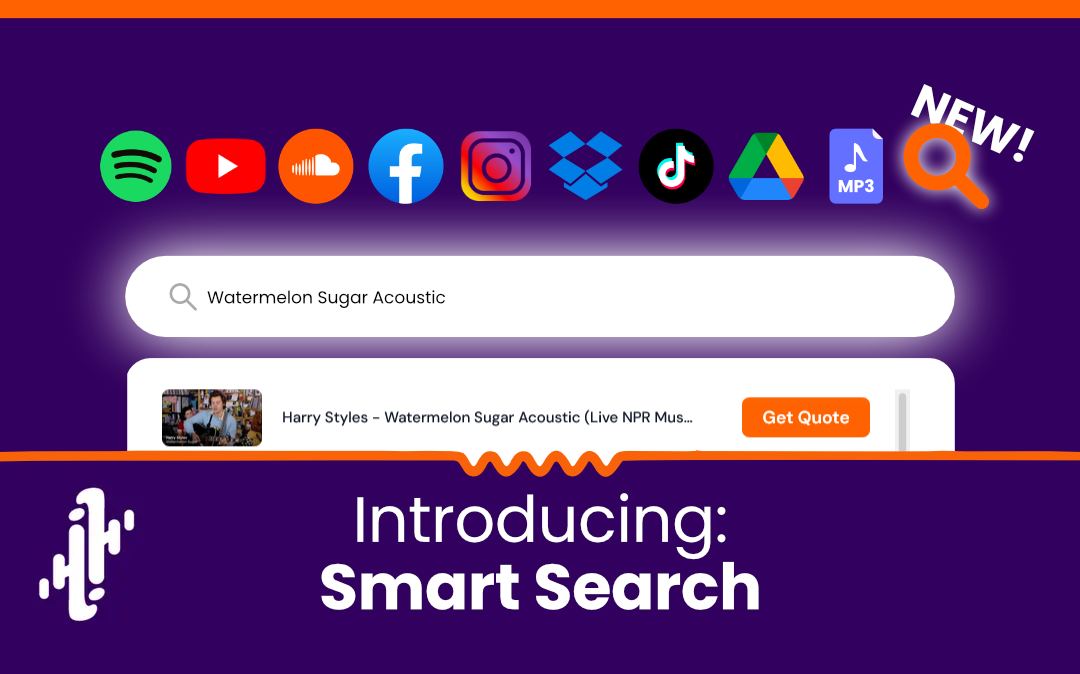
We’ve just expanded the list of platforms compatible with our Instant Quote tool—meaning it’s now even easier to turn the music you love into professionally engraved sheet music.

Whether your track is on social media, in the cloud, or already saved as an audio file, you can now generate an instant quote in seconds.

Newly Supported Sources

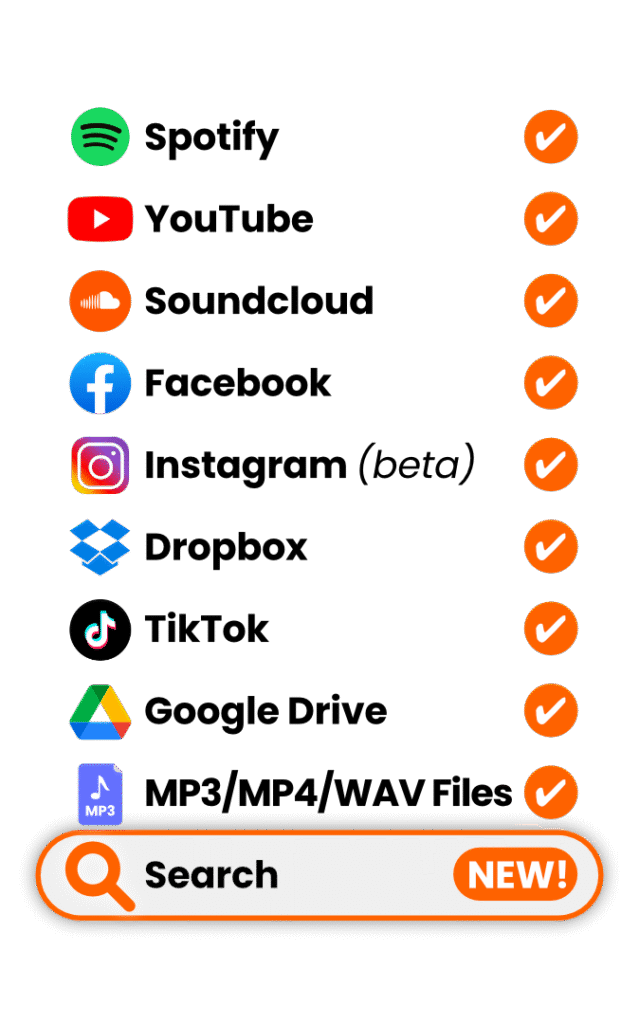
In addition to YouTube, SoundCloud, Spotify, MP3 and WAV files, we now support:

  • Facebook videos & Reels
  • TikTok videos
  • Google Drive audio files
  • Dropbox audio files

That means more flexibility, fewer workarounds, and faster quoting.


How It Works

No matter where your music is hosted, the process is simple:

1. Copy the link to your song

Each platform has a slightly different way of sharing links (see below).

2. Paste the link into our Instant Quote tool

Head to the homepage and paste the link into the quote box.

3. Tell us what you need

Select instrumentation, difficulty level, format (score, parts, MIDI, etc.), and any additional requirements.

4. Check out

You’ll receive professionally engraved sheet music, delivered in as little as 2 days with rush delivery.

Every order includes:

  • Clean, publication-quality notation
  • Clear layout optimised for performance
  • Revisions if anything needs tweaking
  • Direct communication with real musicians

Platform-Specific Instructions

Below are the supported sources and how to grab the correct link for each.

🎬 Facebook Video or Reel

How to copy the link:

  • Open the video.
  • Click the three dots (…)
  • Select Copy link

Paste this into the Instant Quote tool.

🎵 TikTok

How to copy the link:

  • Open the TikTok video.
  • Tap Share
  • Select Copy link

Paste the copied URL into our quote tool.

☁️ Google Drive (Audio Files Only)

You can now upload audio to Google Drive and use the share link.

Important:
The file must:

  • Be an audio file (MP3, WAV, etc.)
  • Have permissions set to “Anyone with the link can view”

How to get the correct link:

  • Right-click the file.
  • Click Get link
  • Change access to Anyone with the link
  • Click Copy link

Then paste it into our Instant Quote tool.

📦 Dropbox (Audio Files Only)

Dropbox links are also supported.

Important:
The file must:

  • Be an audio file (MP3, WAV, etc.)
  • Have permissions set to “Anyone with the link can view”

How to get the link:

  • Hover over the file.
  • Click Share
  • Select Copy link
  • Ensure link settings allow access without login.

Paste the link into the quote tool.


Previously Supported Sources

We continue to support:

  • YouTube
  • SoundCloud
  • Spotify
  • Direct MP3 upload
  • Direct WAV upload

If you can copy a link to it, there’s a good chance our quote tool can now handle it.


Why This Matters

Many customers discover music on social platforms first—not traditional streaming services. By supporting Facebook and TikTok links directly, we remove extra steps and make it easier to get started.

For original compositions, rehearsal recordings, demos, or live takes stored in the cloud, Drive and Dropbox support means no more downloading and re-uploading files.

Faster quoting. Fewer barriers. More music turned into notation.


Ready to Get Started?

Head to the homepage, paste your link into the Instant Quote tool, and see your price instantly.

Your custom sheet music could be in your inbox in as little as 48 hours.